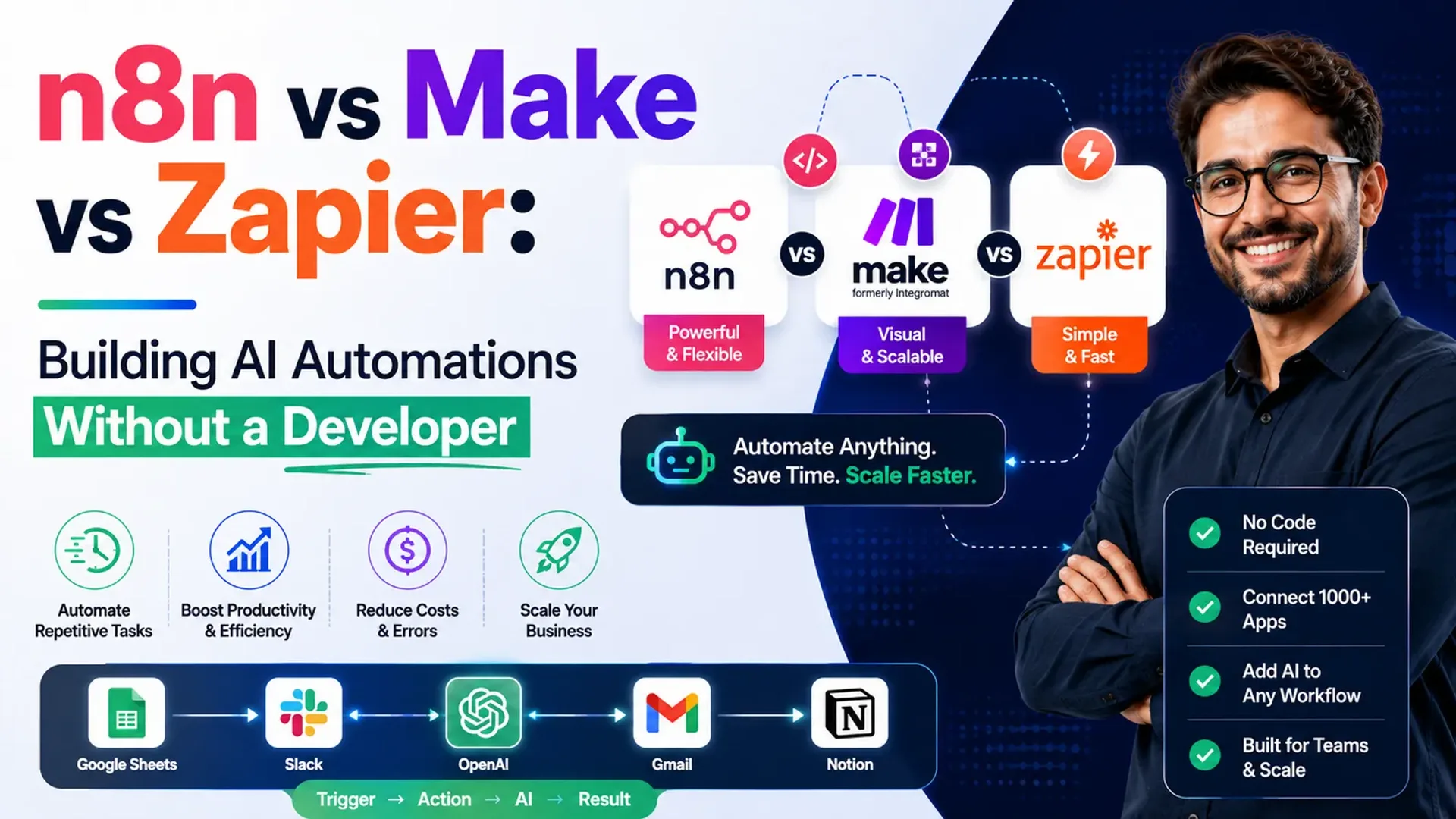
Every operations lead eventually hits the same wall: too many small, repetitive tasks and not enough hours. Lead handoffs, content formatting, support triage, data syncing. Individually trivial, collectively a full-time job. The good news is that no-code automation platforms have matured to the point where you can wire up genuinely useful AI workflows without hiring an engineer.
The three names that dominate the conversation are Zapier, Make and n8n. They overlap heavily, but they are not interchangeable. Choosing the wrong one for your situation means either paying too much, hitting a ceiling too early, or drowning in complexity you did not need. This is a straight, even-handed comparison so you can pick with your eyes open.
The short version
Before the detail, here is the honest summary of where each tool sits:
- Zapier is the easiest to start with and has the widest app support. You pay for that convenience as your volume grows.
- Make gives you a powerful visual canvas and strong value for money, especially for multi-step logic and data-heavy flows.
- n8n is the most flexible and cost-controlled, particularly if you self-host, but it asks more of you technically.
None of them is objectively best. The right answer depends on how complex your workflows are, how much volume you run, and how much control you need over data and cost.
Zapier: fastest to value
Zapier's whole philosophy is approachability. Its trigger-and-action model reads almost like a sentence: when a new form is submitted, add a row to this sheet and notify this channel. For a marketer or ops person with no technical background, you can build something useful in an afternoon.
Its biggest strength is the sheer breadth of integrations. If a popular business app exists, Zapier almost certainly connects to it. It also has solid built-in AI steps, so you can drop a language model into a workflow to summarize, classify or draft text without extra tooling.
The tradeoffs show up as you scale. Pricing is task-based, so high-volume automations can get expensive, and very complex branching logic can feel cramped compared to a full visual builder. Zapier is the right call when time-to-value and simplicity matter more than squeezing out cost.
Make: visual power and value
Make (formerly Integromat) takes a different approach. Instead of linear steps, you build on a visual canvas where modules connect like a flowchart. For anyone who thinks in diagrams, this is a genuinely nicer way to design complex logic, with branching, iteration and error handling laid out in front of you.
Where Make shines:
- Complex, multi-path workflows with conditions, loops and data transformation.
- Strong price-to-operation value, which often makes it cheaper than Zapier at meaningful volume.
- Granular data handling, useful when you are reshaping payloads between systems.
The learning curve is a little steeper than Zapier's, and its app catalogue, while large, is not quite as vast. But for teams building anything beyond simple two-step automations, Make frequently hits the sweet spot between power and accessibility.
n8n: flexibility and control
n8n is the choice for teams that want maximum control. It is source-available and can be self-hosted, which changes the economics entirely: instead of paying per task, you run it on your own infrastructure. For high-volume automation, that can mean a dramatic difference in cost.
It also removes a real constraint around data. If you operate under strict privacy or compliance requirements, keeping automation and any AI processing inside your own environment is a serious advantage. n8n supports custom code nodes, so when the no-code building blocks run out, a developer can extend it rather than hit a wall.
The rule of thumb: Zapier for speed, Make for visual complexity, n8n for control and cost at scale.
The cost is complexity. Self-hosting means someone maintains it, and the tool assumes more technical comfort than the other two. This is exactly the point where many teams bring in help. If you are curious how a flexible engine like this underpins custom internal systems, our work on custom AI tools leans heavily on this kind of extensibility.
Real AI automations worth building
Whichever platform you choose, the genuinely valuable workflows tend to look similar. Here are patterns that pay for themselves quickly.
Intelligent lead routing
A new lead comes in, an AI step reads the message, scores intent and category, and routes hot leads straight to a salesperson while sending others into a nurture sequence. No more leads sitting in an inbox overnight.
Content repurposing
Publish one piece of long-form content and let an automation draft social posts, a newsletter summary and a set of headline variations from it. A human still edits, but the blank-page problem disappears. Wire it into your social publishing and you have a repeatable engine.
Support triage
Incoming tickets are classified by topic and urgency, common questions get an AI-drafted reply for an agent to approve, and complex issues escalate automatically. This is the connective tissue that complements a proper AI chatbot handling front-line conversations.
When to bring in an expert
No-code tools are brilliant until they are not. The signs you have outgrown a purely DIY approach are usually clear: workflows that break silently and cost you real money, sensitive data flowing through third-party steps you have not vetted, or automations so tangled that only one person understands them. That fragility is the hidden tax of building alone.
An experienced partner helps in ways the tools cannot. They design for reliability and error handling from the start, choose the right platform for your actual constraints rather than the trendiest one, and build systems your team can maintain. If your automations connect to a website or product, having them designed alongside solid web development keeps the whole stack coherent rather than a pile of brittle patches.
The bottom line
Zapier, Make and n8n are all capable of running serious AI automations without a developer. Pick Zapier for the fastest start and widest integrations, Make for visual power and strong value on complex flows, and n8n for flexibility, cost control and data ownership at scale. Start with the simplest tool that fits, build the highest-value workflows first, and bring in expertise once the stakes, volume or complexity rise beyond comfortable DIY territory.
Can I really build AI automations with no coding experience?
Yes, for a wide range of use cases. Zapier and Make in particular are designed for non-technical users, and built-in AI steps let you add language-model logic without code. Deep customization or self-hosting n8n is where technical help becomes valuable.
Which platform is cheapest?
It depends on volume. At low volume the difference is small. As task counts climb, self-hosted n8n can be dramatically cheaper because you are not paying per operation, while Make often undercuts Zapier in the middle range.
Do I have to commit to just one tool?
No. Many teams use more than one, for example Zapier for quick everyday connections and Make or n8n for their heavier, business-critical workflows. Choosing per job is a perfectly reasonable strategy.
Not sure which platform fits your workflows or want them built to last? Get in touch and we will map the right approach to your actual operations.
Related reading: AI automation explained · processes to automate first
Tap the button and Google will show you our new articles more often — in Search, Top Stories and AI Overviews.
Have a project in mind?
Let’s turn it into an intelligent product. Book a free 30-minute discovery call.
Start your project →