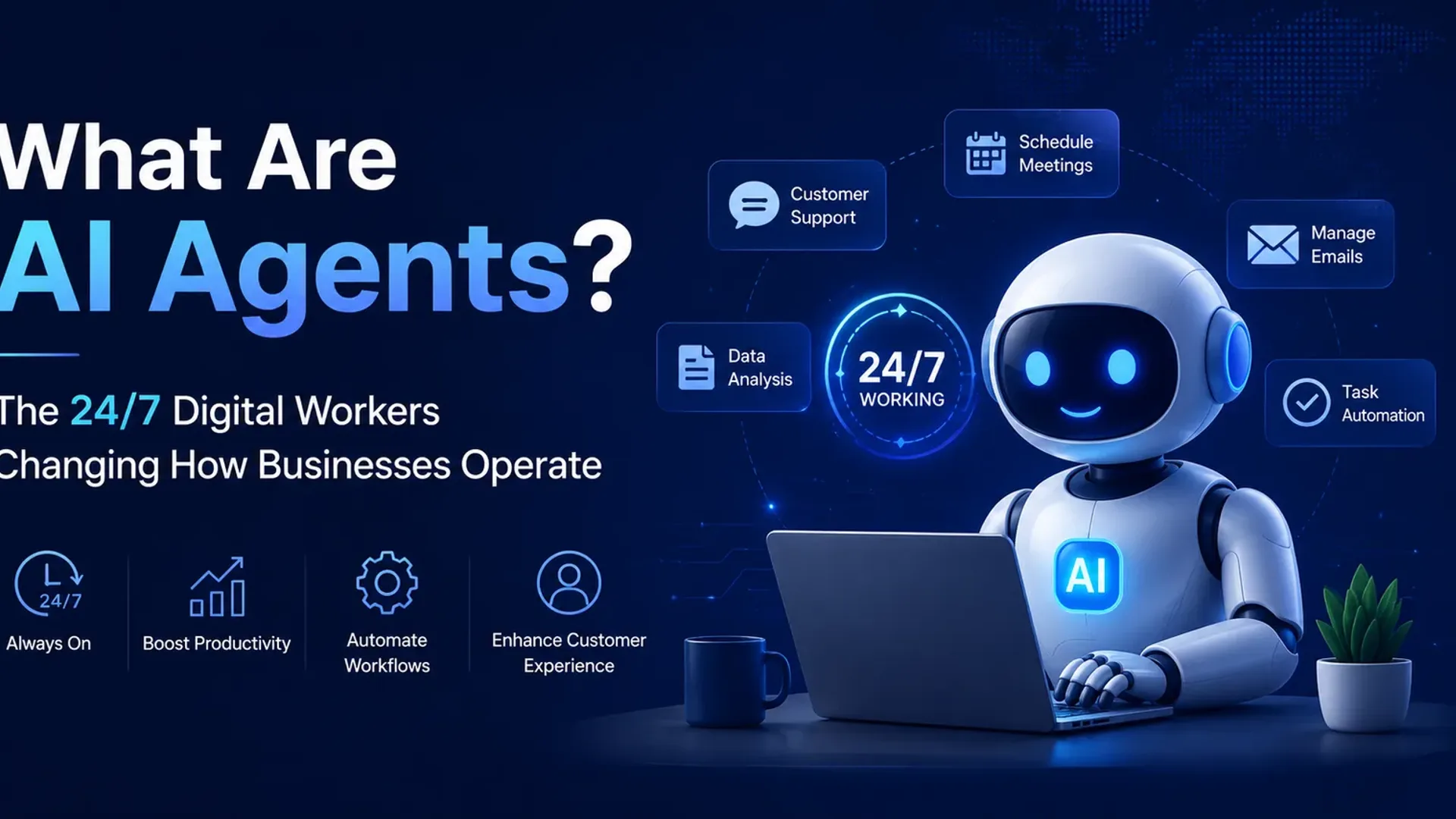
What Are AI Agents? The 24/7 Digital Workers Changing How Businesses Operate
It's 11:47 PM on a Tuesday. A customer emails your support inbox: they're locked out of their account, their order hasn't arrived, and they're flying out tomorrow morning. No one on your team sees it until 9 AM Wednesday — by which point the customer has already left a one-star review and moved on.
An AI agent would have handled that. Not passed it to a chatbot that spits out a FAQ link, but actually handled it: checked the order status in your fulfilment system, identified the shipping delay, emailed the customer an apology and a tracking update, flagged the case for a human to follow up on, and logged the whole thing in your CRM. All within four minutes of the original message arriving.
That's the difference between a buzzword and something that actually earns its keep. This post is a clear-eyed look at what AI agents for business actually are, what they do well, where they fall short, and how to think about whether they belong in your operation.
What an AI Agent Actually Is (and Isn't)
Most people have used a chatbot. You type a question, it replies, and that's the end of the interaction. A chatbot is reactive and stateless — it answers within the conversation and doesn't do anything beyond that.
A basic automation tool goes one step further. If X happens, do Y. An invoice arrives in your inbox, a rule moves it to a folder and sends a notification. Useful, but brittle. The moment something doesn't fit the exact pattern, the rule breaks.
An AI agent is different in three specific ways:
- It understands context, not just triggers. Rather than waiting for a specific keyword or file type, an agent can read an email, interpret what the sender actually wants, and decide what action that requires.
- It takes action across multiple tools. A single agent can read from your CRM, write to a spreadsheet, send an email, post to Slack, and update a project board — in a single workflow, without human hand-offs between each step.
- It follows up. Agents can wait, check back, and continue a task over time. They aren't one-shot responses. They can monitor whether an action produced the expected result and adjust if it didn't.
The short version: a chatbot talks; simple automation reacts; an AI agent understands, decides, acts, and follows through.
Think of an AI agent less like a smart search box and more like a capable junior team member who never sleeps, never forgets, and can work across every software tool you have — as long as you've given them clear instructions and sensible boundaries.
Six Real Operational Use Cases (Beyond Lead Gen)
There's plenty written about AI agents capturing leads overnight. That's real, and worth reading about — see our piece on how AI agents generate leads around the clock for the full breakdown. But lead generation is one slice of a much larger picture. Here's where businesses are actually putting agents to work right now.
Customer Support Triage
A mid-sized e-commerce brand handling 400+ support tickets a day can't have a human read every one before deciding priority. An agent reads each incoming ticket, categorises it (billing, shipping, returns, technical, complaint), checks order data, and either resolves it automatically for simple cases or routes it to the right person with a summary already written. Response times drop from hours to minutes. Staff spend their time on the cases that actually need a human.
Internal Research and Summarising
How much time do your managers spend reading reports they mostly don't need? An agent can pull weekly data from five different sources — analytics, CRM, ad platform, finance dashboard, support queue — write a plain-English summary of what changed and why it matters, and have it in the relevant inbox by 8 AM Monday. No one had to touch it.
Scheduling and Coordination
Booking meetings across multiple time zones, coordinating contractors, chasing confirmations — it's low-value work that eats disproportionate time. Agents handle the back-and-forth: checking calendars, proposing slots, sending reminders, updating records when someone reschedules. Not glamorous. Genuinely time-saving.
Data Clean-Up
Most CRMs are a mess. Duplicate contacts, missing fields, phone numbers in the wrong format, companies listed as "Ltd" in some records and "Limited" in others. An agent runs through the database, identifies inconsistencies against a defined ruleset, fixes what it can, flags what it can't, and produces a report. A task that would take a human two weeks takes an overnight run.
Ops Monitoring and Alerts
Website goes down at 3 AM? Inventory for a best-selling product drops below reorder level on a Friday afternoon? A supplier misses an expected delivery confirmation? Agents monitor these signals continuously, apply logic ("is this actually a problem or expected variance?"), and alert the right person — or take a pre-approved action — without anyone having to watch a dashboard.
Onboarding New Clients or Employees
Every new client or hire triggers a list of tasks: set up accounts, send welcome docs, schedule intro calls, assign training materials, check back in after day one. Agents handle the whole sequence. Nothing falls through the cracks because someone forgot to tick a box on a busy Monday.
How AI Agents Actually Work (Without the Jargon)
Under the hood, an AI agent is combining a large language model — the AI that can read and write natural language — with the ability to use tools. "Tools" here just means connections to other software: your email client, your CRM, a web browser, a database, a spreadsheet. The agent receives a goal, breaks it into steps, uses the tools it needs, checks the output, and continues until the goal is met or it hits a point that needs a human.
More complex setups use what's called a multi-agent architecture, where several specialised agents work in parallel on different parts of a problem and pass results to each other. One agent researches, one agent drafts, one agent quality-checks, a coordinating agent puts it all together. This is how you handle genuinely complex workflows without building one enormous, fragile system.
You don't need to understand the architecture to deploy one. But knowing the rough shape helps you ask better questions when you're evaluating whether a vendor is offering you something real or just rebranded automation with a marketing layer on top.
Guardrails: What Good Agents Do (and Don't Do)
The companies getting value from AI agents are the ones who set clear rules upfront. The ones who've had bad experiences usually skipped this step.
A few principles that should be non-negotiable:
- Don't pretend to be human. If an agent is emailing customers or handling support conversations, it should identify itself as an automated system. The short-term gain of fooling someone into thinking they're talking to a person is far outweighed by the reputational damage when they find out.
- Don't invent facts. AI models can hallucinate — produce confident-sounding information that's simply wrong. For anything factual (order status, account details, policy information), agents should be pulling from authoritative data sources, not generating from memory. This is non-trivial to build right and a reason to work with someone who's done it before.
- Always have a human handoff. Define the scenarios where an agent stops and hands to a person: complaints above a certain severity, legal or medical questions, anything requiring a judgment call that isn't covered by a rule. An agent that tries to handle everything will eventually handle something badly.
- Audit trails matter. Every significant action an agent takes should be logged. Not for bureaucratic reasons — so that when something goes wrong (and eventually it will), you can trace exactly what happened and fix it.
An agent without guardrails isn't an employee — it's a liability. The goal is a system that does the right thing consistently, not one that impresses you in a demo and causes problems in production.
What AI Agents Can't (or Shouldn't) Do Yet
Honesty requires saying this plainly: there are real limits, and they matter for decisions you'll make about where to deploy agents.
They are not reliable decision-makers in ambiguous situations. Agents work well when the task has clear parameters and a reasonably predictable range of inputs. The messier and more judgment-dependent the situation, the more they need human oversight. Don't deploy an agent to handle your pricing decisions or manage a crisis.
They inherit the quality of your data. If your CRM is a mess, an agent will make confident decisions based on wrong information. Garbage in, garbage out — except now the garbage is moving faster. Data hygiene is a prerequisite, not an afterthought.
They can get stuck in loops. A poorly designed agent encountering an unexpected result can retry the same failing action repeatedly, send duplicate emails, or create circular workflows. Good engineering prevents this; but it requires good engineering.
Complex reasoning chains are still unreliable. Multi-step logic that requires synthesising nuanced context across a long chain of decisions is still challenging. Agents are better at clearly scoped tasks than open-ended problem-solving.
None of this means agents aren't worth investing in. It means investing in them with eyes open, starting with well-defined use cases, and expanding once you've seen how they behave in your actual environment.
How to Assess Whether Your Business Is Ready
The businesses that get the most out of AI agents tend to have three things in place:
- Documented processes. If you can't write down what a human does in a workflow step-by-step, you can't hand it to an agent. The documentation work is often the most valuable part of the implementation — it forces clarity about how your business actually operates.
- Clean-enough data. Not perfect, but not broken. The agent needs reliable inputs to produce reliable outputs. If your contacts database is 60% duplicates and your order system doesn't talk to your email platform, fix those problems first.
- A specific starting point. Don't try to automate everything at once. Pick one process — ideally high-volume, repetitive, time-sensitive — and build something that works well before expanding.
If you want a broader map of where to start, the post on AI agents and lead generation covers the customer-acquisition angle, and our generative AI development service page outlines how we typically structure a build from scoping to deployment.
Actionable Takeaways
- List three repetitive, high-volume tasks in your business that currently require a person to read something and then take action. These are your best candidate starting points.
- Check whether you have API access for the tools those tasks involve (your CRM, email platform, support system). No API access means higher build complexity.
- Write down the exact steps a human currently takes in one of those processes — every decision point, every exception. That document becomes the agent's spec.
- Define your human handoff triggers before you build: the scenarios where an agent should stop and escalate, no exceptions.
- Run a small pilot with real but low-stakes data before connecting an agent to anything customer-facing at scale.
Frequently Asked Questions
What's the difference between an AI agent and a chatbot?
A chatbot responds to questions within a conversation. An AI agent takes actions in external systems — it can read your CRM, send emails, update records, and complete multi-step tasks without human involvement at each step. Most chatbots are passive; agents are active.
Do AI agents work for small businesses, or are they only for enterprises?
AI agents for small business are increasingly practical, partly because the underlying models have become much more capable and partly because integration infrastructure (tools that connect your existing software) has matured. The key is matching the complexity of the agent to the complexity you can support. A small business with one well-scoped agent will outperform a large business with five poorly designed ones.
How much does it cost to build an AI agent for my business?
It varies significantly based on what the agent needs to do and which systems it needs to connect. Simple single-task agents built on existing infrastructure can be relatively modest investments. Custom multi-agent systems with deep integrations are larger projects. The more important question is ROI: if an agent saves 15 hours a week of staff time, the payback period is usually short.
Are AI agents safe to connect to my business data?
With proper engineering, yes — but this isn't something to cut corners on. Production deployments should use principle-of-least-privilege access (the agent only gets access to what it genuinely needs), comprehensive logging, and human review of any action the agent takes in sensitive systems. The security posture matters as much as the functionality.
Will AI agents replace my staff?
In practice, businesses deploying agents are mostly redirecting staff time rather than reducing headcount — at least initially. The 80 emails your support team currently answers about order status can be handled by an agent; your team spends that time on the cases that actually need human judgment. That's a better use of people, not a replacement of them.
How long does it take to deploy an AI agent?
A well-scoped, single-process agent can be built and tested in a few weeks. The timeline usually lengthens based on integration complexity, data quality issues uncovered during build, and the iteration needed to handle edge cases properly. Rushing this phase creates problems later — thorough testing before going live is worth the extra time.
Is an AI Agent Right for Your Business?
If you run a business with repetitive, high-volume work that pulls your best people away from higher-value tasks, the honest answer is: probably yes, for at least one or two processes. The question isn't whether the technology works — it does, in the right contexts — it's whether you're building the right thing for your specific situation.
That's where a conversation is more useful than a blog post. At Alternate, we work with businesses to scope, build, and deploy AI agents that solve specific operational problems — not demos that look impressive and break in month two. If you're curious about what an agent could actually do in your operation, start a conversation with our team or explore what's involved on our AI development services page. No obligation, no pitch deck — just a clear look at what makes sense for where you are right now.
Ready to put agents to work? Alternate is a generative AI development company building custom AI agents and automation for startups and enterprises worldwide.
Tap the button and Google will show you our new articles more often — in Search, Top Stories and AI Overviews.
Have a project in mind?
Let’s turn it into an intelligent product. Book a free 30-minute discovery call.
Start your project →