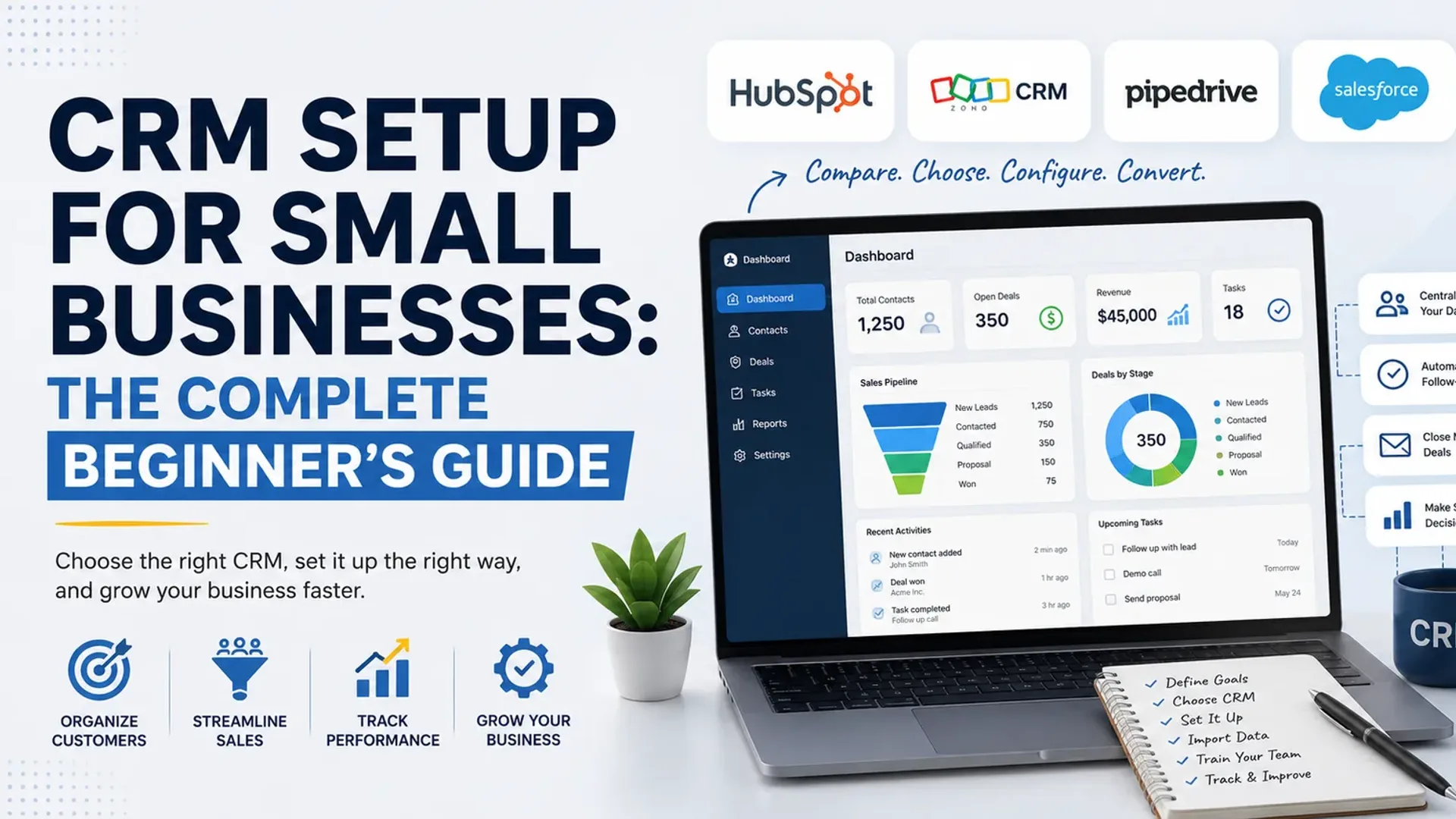
Most small business owners reach the same realization at roughly the same moment: the spreadsheet isn't working anymore. Leads slip through cracks. Two people email the same customer. Nobody remembers what was promised on last week's call. You know you need a CRM — a system to keep every customer relationship in one organized place — but the moment you start looking, you drown in jargon, pricing tiers, and forty competing tools all claiming to be the best.
This guide cuts through that. It walks you through what a CRM actually does, how to pick between the four platforms most small businesses end up choosing — HubSpot, Zoho, Pipedrive, and Salesforce — and exactly how to set one up step by step, with real workflows you can copy. No prior experience assumed.
What a CRM Actually Does (in Plain English)
A CRM — customer relationship management software — is a single shared database for everyone and everything connected to your sales and customer relationships. Instead of contacts scattered across inboxes, sticky notes, and a spreadsheet only one person understands, you get:
- Contacts and companies — every person and business you deal with, with full history attached.
- A pipeline — a visual board showing where each deal sits, from "new lead" to "won."
- Activity tracking — calls, emails, meetings, and notes logged automatically against the right contact.
- Reminders and tasks — so follow-ups actually happen instead of being forgotten.
- Reporting — so you can see how many deals you're closing, what's stuck, and where revenue is coming from.
That's the whole idea. Everything else is refinement. The value isn't the software — it's that nothing falls through the cracks and anyone on your team can pick up a relationship where someone else left off.
Before You Pick a Tool: Three Questions
The biggest setup mistakes happen before anyone logs in. Answer these first.
1. What does your sales process actually look like? Write down the real stages a customer moves through, from first contact to closed deal. For a service business it might be: Inquiry → Discovery call → Proposal sent → Negotiation → Won. This becomes your pipeline. If you skip this step, you'll end up forcing your business into a generic template that doesn't match how you actually sell.
2. How many people will use it, and what do they need? A solo founder has very different needs from a five-person sales team. Be honest about who's logging in and what they'll do — it drives both your tool choice and your cost.
3. What do you need it to connect to? Your email (Gmail or Outlook), your calendar, maybe your accounting tool or website forms. The CRM should reduce double-entry, not create it.
Keep these answers in front of you. They'll make every decision below obvious.
The Four Platforms, Compared
Pricing below reflects published rates as of mid-2026 and is per user, per month, typically on annual billing. Always confirm current numbers on the vendor's pricing page before committing, since all four adjust pricing and plan names regularly.
HubSpot — best free starting point
HubSpot's free CRM is genuinely free forever, not a trial, and for many small teams it's the easiest place to start. You get contact management, deal pipelines, email tracking, and meeting scheduling at no cost. Free accounts are now capped at 1,000 contacts, two users, one deal pipeline, and 2,000 marketing emails per month, and every email, landing page and chat widget carries HubSpot branding. The paid Starter tier (around $20/user/month) removes the branding and adds automation, and HubSpot lets you upgrade only the specific "Hub" — Sales, Marketing, Service — that you outgrow rather than forcing a jump to one expensive all-in-one plan.
Best for: solo founders and small teams who want to start free, get their data clean, and grow into paid features. Watch the contact cap — list-heavy businesses can hit it within a year.
Zoho CRM — best value for money
Zoho is consistently the price-to-feature winner. It offers a free edition for up to three users covering leads, contacts, deals, and the mobile app. Paid plans are aggressive: Standard at $14/user/month and the popular Professional tier at $23/user/month (billed annually), where you get Blueprint process management and serious automation. Features that Zoho includes at its $23 Professional tier require Salesforce's and HubSpot's far pricier Professional tiers to match.
Best for: budget-conscious small businesses that want depth and don't mind a slightly steeper learning curve. Especially strong if you already use other Zoho apps (Books, Campaigns, Desk).
Pipedrive — best for sales-focused simplicity
Pipedrive was built by salespeople for salespeople, and it shows: the visual drag-and-drop pipeline is the cleanest and most intuitive of the four. It's a web-based CRM designed primarily for sales teams to manage leads, deals, and the sales process, and unlike most tools, every plan includes unlimited contacts. There's no free tier — only a 14-day trial — and entry pricing starts around $14/user/month, with most active teams landing on a mid-tier plan around $39–$49/user/month for email sync and automation. Note that Pipedrive recently renamed its tiers (Essential/Advanced/Professional became Lite/Growth/Premium/Ultimate), so plan names vary by source. Watch the add-ons (LeadBooster, Smart Docs, Web Visitors) — they're billed separately and add up.
Best for: small sales teams that want a fast, clean pipeline and minimal admin overhead, and don't need heavy marketing automation built in.
Salesforce — most powerful, steepest curve
Salesforce is the market leader and the most customizable platform, but it's built to scale into large enterprises. For small businesses it offers the Starter Suite at $25 per user per month, billed monthly or annually, bundling basic sales, service, and marketing. The jump to real power is steep, though — Pro Suite runs $100 per user per month, and Enterprise Edition comes in at $175 per user per month. Implementation often needs a consultant, which is a meaningful added cost.
Best for: small businesses that are confident they'll scale fast and want a platform they won't outgrow. For most very small teams, it's more power (and cost) than needed on day one.
Quick decision guide
- Want to start free and figure it out as you go? HubSpot.
- Want the most features for the lowest price? Zoho.
- Sales is your whole world and you want it simple? Pipedrive.
- Planning to scale aggressively and want room to grow? Salesforce.
Step-by-Step: Setting Up Your CRM
The platform matters less than the setup. A well-configured Zoho beats a sloppy Salesforce every time. Here's the sequence that works regardless of which tool you pick.
Step 1 — Clean your data before you import
Garbage in, garbage forever. Before importing a single contact, open your existing spreadsheet and fix it: standardize column headers (First Name, Last Name, Email, Company, Phone), remove duplicates, delete dead contacts, and make sure every row is consistent. A CRM with clean data is an asset; one with messy data is a spreadsheet that costs money.
Step 2 — Build your pipeline to match your real process
Remember those sales stages you wrote down earlier? Create them now. In every one of these tools, you can rename and reorder pipeline stages. Don't use the default "Qualification → Proposal → Negotiation" if that's not how you sell. A simple, accurate four-to-six-stage pipeline beats a complex one nobody updates.
Example for a service business:
New Inquiry → Discovery Call Booked → Proposal Sent → Verbal Yes → Closed Won
Step 3 — Import your contacts
Use the tool's import wizard (every platform has one) and map your spreadsheet columns to CRM fields. Import a small test batch of ten contacts first to confirm everything lands in the right place, then run the full import. Tag or segment as you go — for example, mark which contacts are existing customers versus leads.
Step 4 — Connect your email and calendar
This is the step that makes a CRM actually useful. Connect Gmail or Outlook so that emails to and from contacts log automatically, and sync your calendar so meetings appear against the right record. Once this is live, your team stops manually logging activity — the CRM does it for them.
Step 5 — Set up one simple automation
Don't try to automate everything on day one. Pick the single most valuable automation and build just that. A great first one: when a deal moves to "Proposal Sent," automatically create a task to follow up in three days. This alone recovers deals that would otherwise go cold. Add more automations later as you learn the tool.
Step 6 — Add your team and set the rules
Invite users, and agree on the non-negotiables together: every lead goes in the CRM, every call gets logged, deals get moved to the right stage in real time. A CRM only works if the whole team feeds it. Decide who owns what, and keep it simple enough that people actually comply.
Step 7 — Build one dashboard you'll check weekly
Set up a single report showing deals by stage and expected revenue. Look at it every week. This is where the CRM pays you back — you'll spot stuck deals, see which stage leaks the most, and forecast revenue instead of guessing.
A Real Workflow, Start to Finish
Here's what good looks like once it's running, using a small consulting firm as the example:
A prospect fills out the website contact form. The CRM automatically creates a new contact and a deal in the "New Inquiry" stage, and assigns it to a team member with a task to respond within a day. The rep books a discovery call; the calendar sync logs it automatically. After the call, the rep drags the deal to "Proposal Sent," which triggers an automatic three-day follow-up task. The prospect replies by email — logged automatically against their record, so anyone on the team can see the full history. Deal moves to "Closed Won," and it shows up on the weekly revenue dashboard. Nobody touched a spreadsheet, and nothing was forgotten.
That's the entire point of a CRM, in one paragraph.
Common Beginner Mistakes to Avoid
- Over-complicating the pipeline. Too many stages means nobody keeps it updated. Start simple.
- Importing messy data. Clean first. Always.
- Trying to automate everything immediately. One good automation beats ten half-built ones.
- Buying too much tool. Don't pay for Salesforce Enterprise when free HubSpot or $14 Zoho covers your actual needs. You can always upgrade.
- No team buy-in. If the team doesn't commit to logging everything, the CRM dies. The process matters more than the software.
Where to Start This Week
Pick the platform that matches your answer to the decision guide above, sign up for the free tier or trial, and do just two things: clean your contact list and build your real pipeline. That alone will put you ahead of most small businesses. Everything else — automation, reporting, integrations — you can layer on once the foundation is solid.
The best CRM for your small business isn't the most powerful one. It's the one your team will actually use, set up to match the way you genuinely sell.
Tap the button and Google will show you our new articles more often — in Search, Top Stories and AI Overviews.
Have a project in mind?
Let’s turn it into an intelligent product. Book a free 30-minute discovery call.
Start your project →